
01
Upload an image
Drop in a PNG, JPG or WebP, or paste straight from your clipboard. Anime art, pet photos, memes, product shots: any still image works, and it never leaves your browser.
Paint the part you want to move, get a looping GIF in seconds. Free, no sign-up, nothing uploaded.
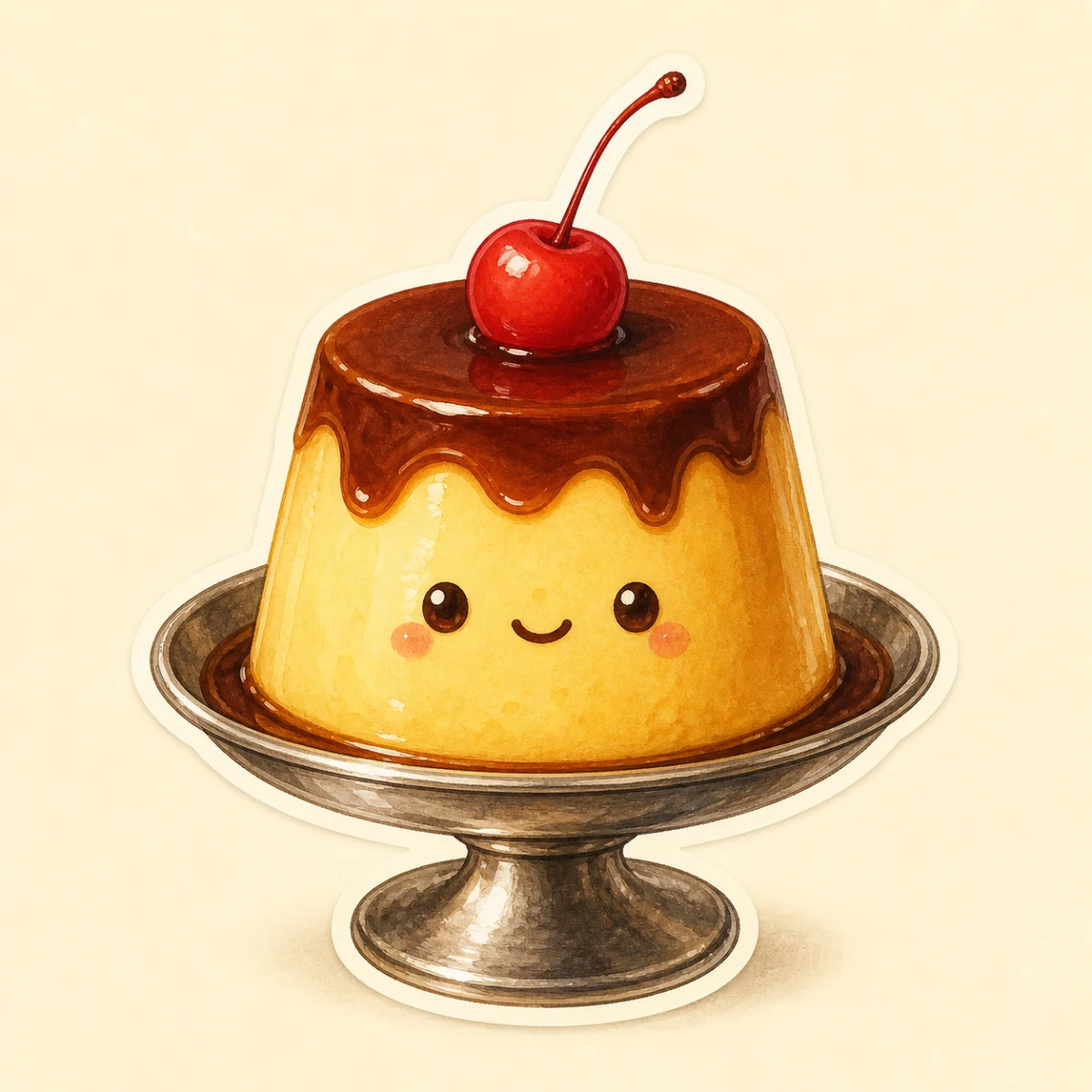
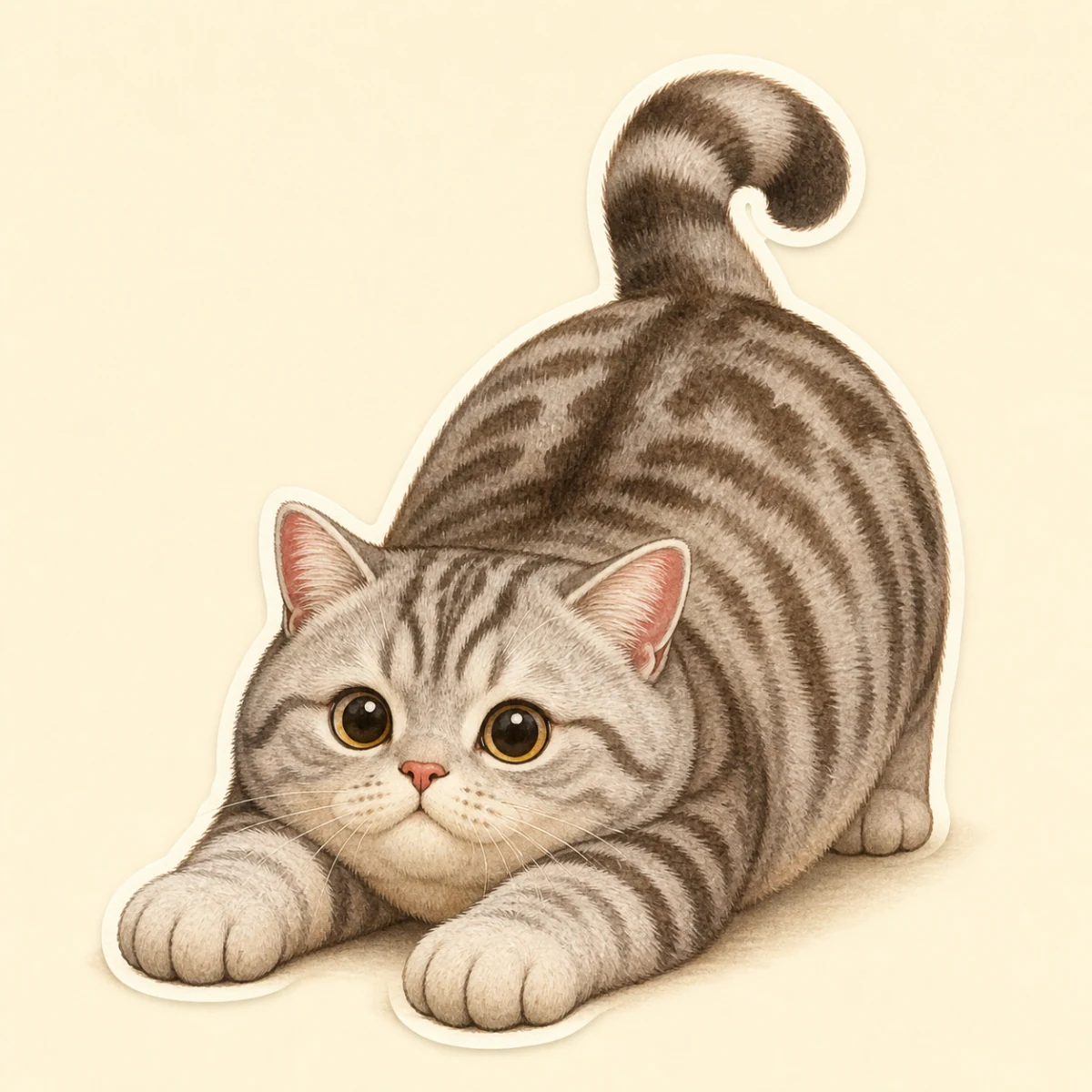
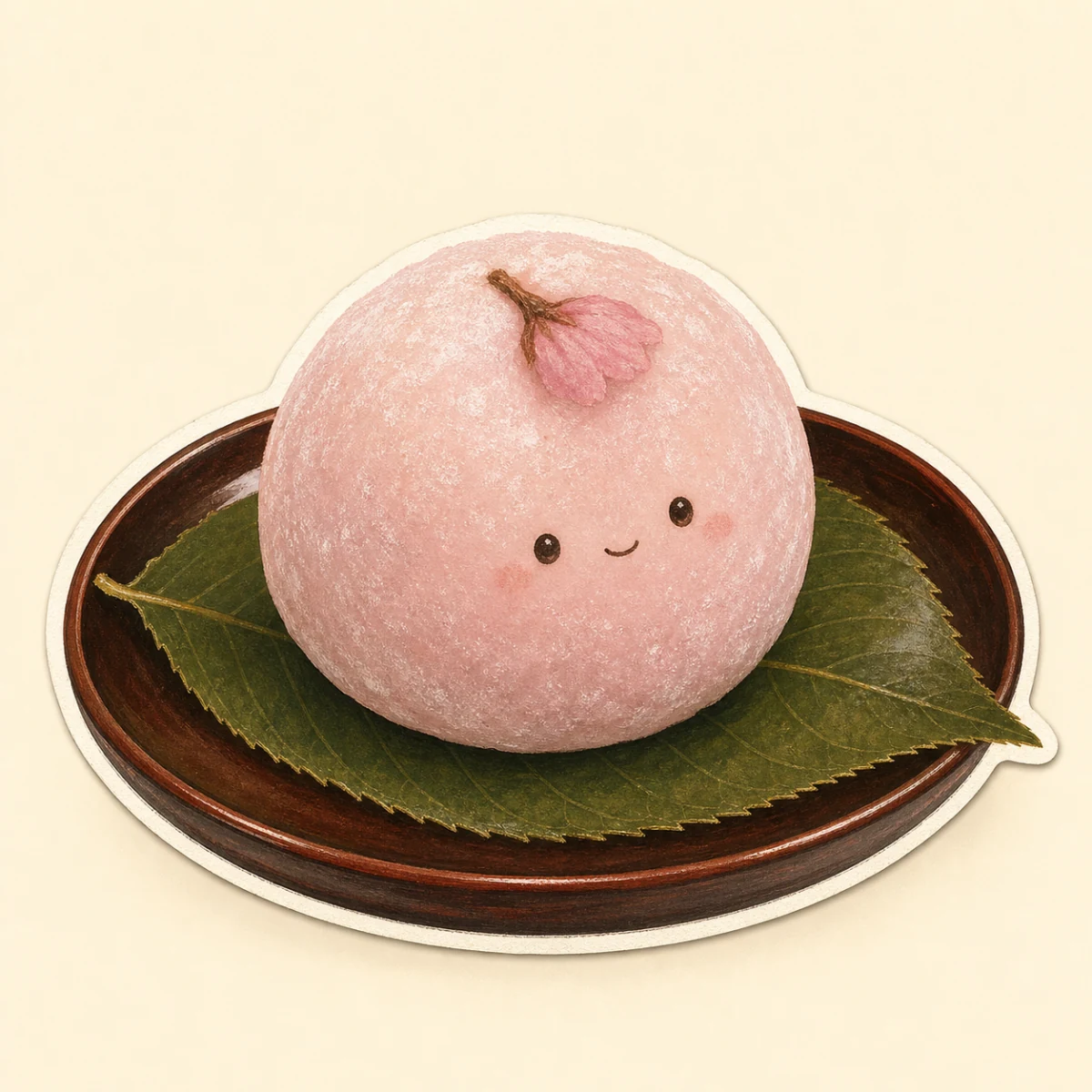
PNG, JPG or WebP. You can also paste from your clipboard.
PuddingCatMochiThree steps, about thirty seconds. No account, no tutorial needed.
Drop in a PNG, JPG or WebP, or paste straight from your clipboard. Anime art, pet photos, memes, product shots: any still image works, and it never leaves your browser.
Brush over what should move: hair, cheeks, a cat belly, a slime. Softer strokes wobble less, because paint strength doubles as wobble strength. The eraser fixes overshoots instantly.
Pick a motion preset, set the export length, and download a seamlessly looping GIF or an MP4 video ready for X, TikTok, Discord or your group chat.
This Purupuru Maker gives you more control than other wobble tools, with zero learning curve.
Jelly, sway, bounce, wave, pulse and quake. One tap swaps the whole feel of the animation. Each one is tuned to loop perfectly at any speed.
Rotate the motion to any angle: wind from the left, a diagonal bounce. Most wobble tools can't do this.
Paint opacity doubles as wobble strength, so one stroke can fade from a big jiggle to a subtle shiver.
Exports contain exactly one motion cycle, so your GIF loops forever without a visible jump.
Everything runs in your browser with WebGL. Your images are never uploaded to any server. Close the tab and nothing about your image persists anywhere.
Touch-friendly painting and controls. Make wobbly memes straight from your camera roll.
Anything soft, cute or funny is fair game. These are the classics.
Jiggly cat bellies, flappy dog ears and boopable hamster cheeks. Pet photos are the fastest way to a perfect reaction GIF.
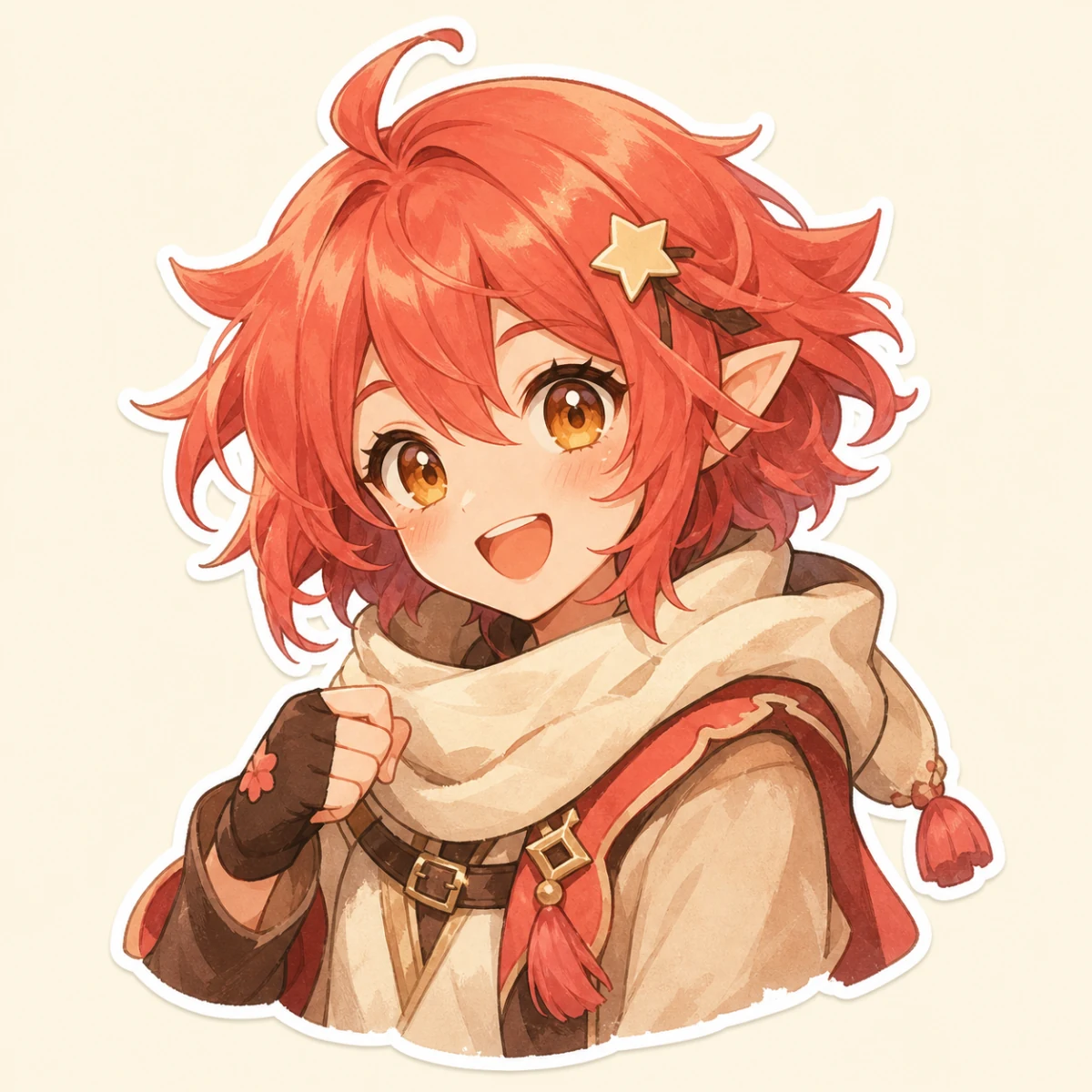
Give static character art Live2D-style motion. Wobble the hair, the ribbon or the whole silhouette and your OC suddenly feels alive.
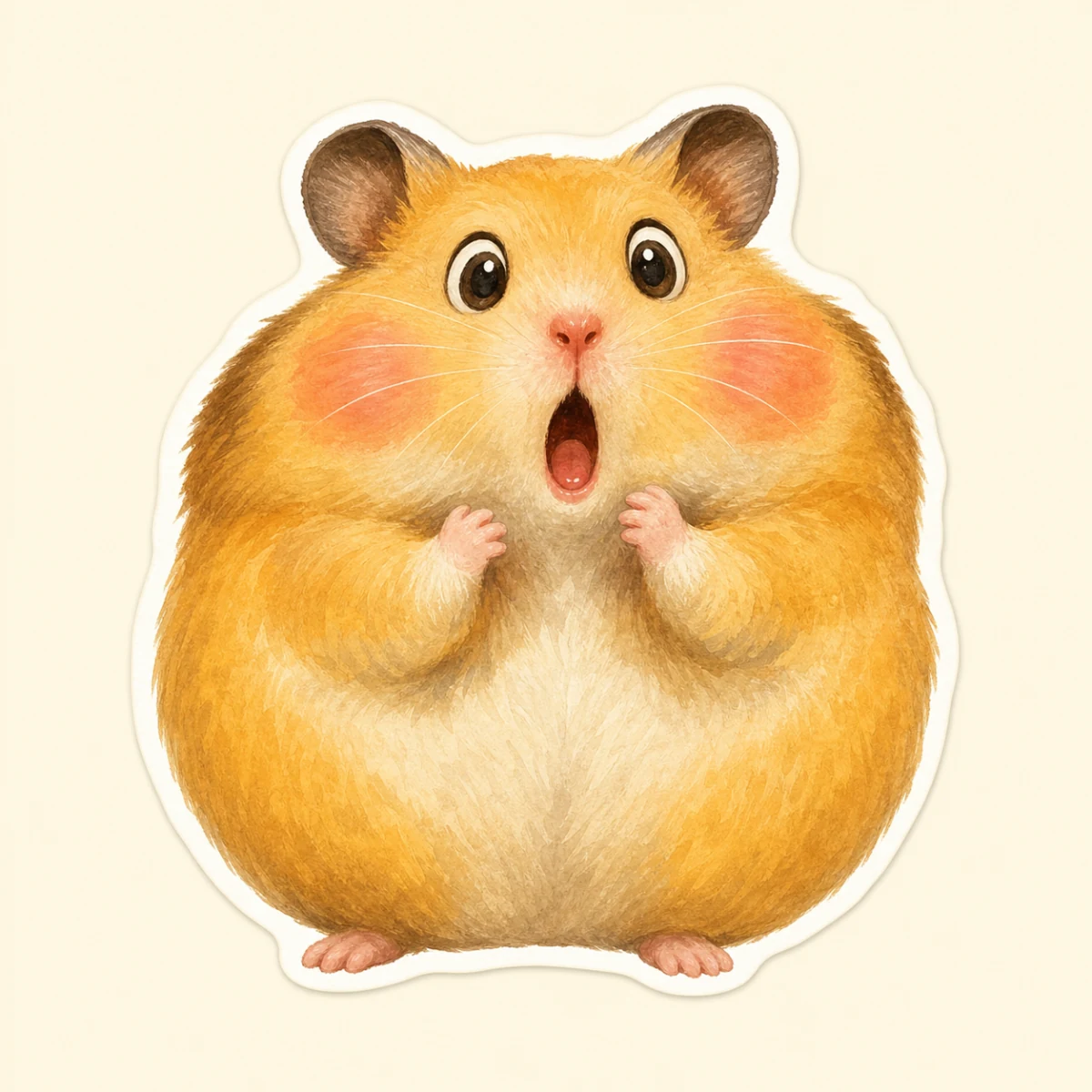
Turn any reaction image into an animated meme or chat sticker. A gentle quake preset makes even a stock photo funny.
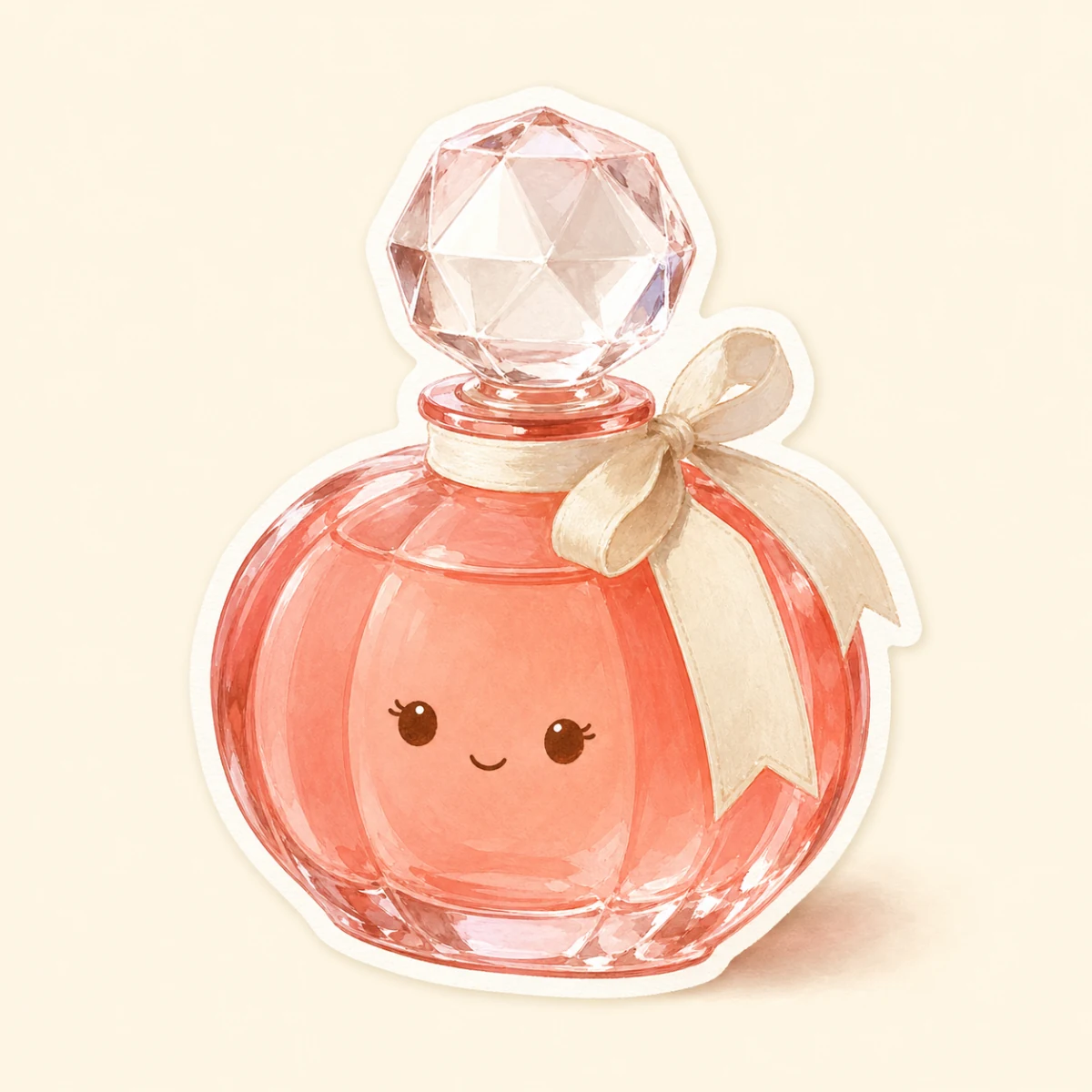
Squishy product shots and bouncy logos stop the scroll. A subtle wobble reads as playful without a full motion-design budget.
Pudding, jelly, boba, cheesecake: food that wobbles looks twice as delicious. Restaurant menus were never this fun.
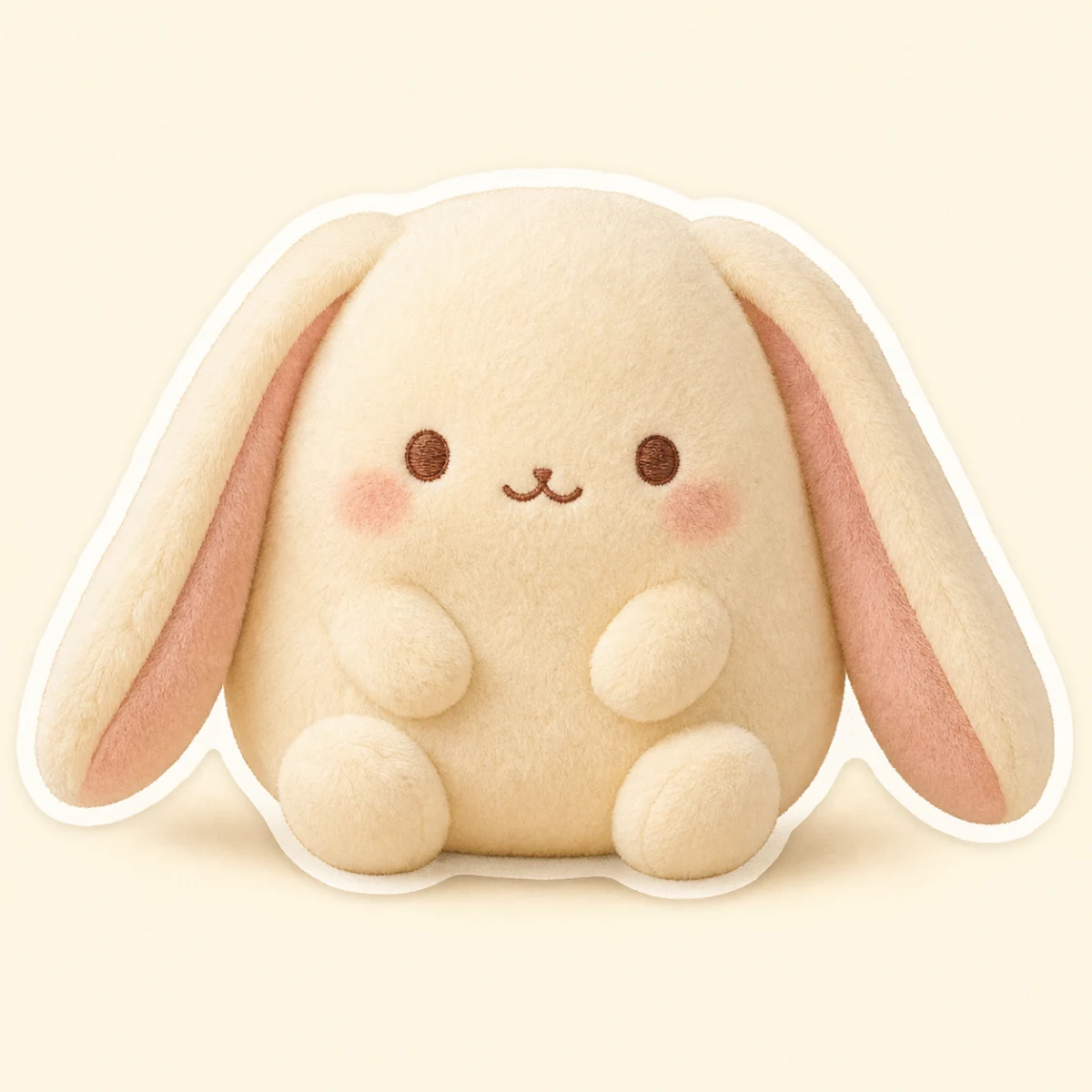
Plushies and figures get a heartbeat. Paint the tummy, pick the pulse preset, and your mascot quietly breathes.
Purupuru Maker is a free online image wobble tool. You upload a still picture, paint over the part that should move, and that area immediately starts to jiggle like soft jelly. A few seconds later you can export the result as a seamlessly looping GIF or a short video and post it anywhere. "Purupuru" (ぷるぷる) is the Japanese word for the way soft things tremble: pudding on a plate, a cat's round belly, a water balloon poked with a finger.
The idea took off in July 2026, when the first purupuru maker went viral on X and Japanese artists flooded timelines with wobbling character art, jiggling pets and shaking memes. Watching a static drawing suddenly breathe is the whole magic: no rigging, no keyframes, no After Effects. This Purupuru Maker keeps that one-brush simplicity and adds the controls creators kept asking for: six motion presets, direction control, adjustable export length and pressure-style strength painting.
Under the hood everything runs on WebGL inside your browser. Your image is never uploaded, there is no queue and no watermark, and the preview reacts to every brushstroke in real time. It works the same on desktop and on your phone, so you can turn a photo from your camera roll into a wobbly meme on the spot.
People reach for a purupuru maker for very different jobs: an illustrator teasing a new character, a shop owner making a product bounce in a story, a Discord admin building custom emotes, or someone who simply wants their cat to jiggle. The tool does not care whether the image is a masterpiece or a screenshot; if part of it should wiggle, one brushstroke gets it there. That low floor is exactly why the wobble format became a meme language of its own.
Small adjustments take a Purupuru Maker GIF from nice to ridiculous, in the best way.
Let the brush spill slightly outside the object you want to move. The wobble pulls nearby pixels along, so a soft, generous mask looks more natural than a pixel-perfect one. If the edge still tears, grow the brush and repaint the border zone.
Lower the brush strength and build the mask up in layers. Full strength in the middle with lighter strokes near the edge makes the motion ripple instead of shake. This is the trick behind convincing hair and water.
Jelly suits puddings, cheeks and bellies. Sway is right for hair and plants, bounce for ears and tails, pulse for anything that should breathe, quake for pure chaos memes. When in doubt, start with jelly and adjust the direction.
Between 1x and 1.5x reads as soft and organic. Go past 2x only when you want the earthquake look, and drop the strength a little as you speed up. Slow wobbles also compress better in GIF.
A single loop keeps the file tiny and repeats perfectly, ideal for stickers and reactions. Pick 4 or 6 seconds when a platform treats longer clips better. The loop option is always the smallest file you can make.
GIF plays everywhere and loops by itself, so it wins in Discord and chats. MP4 is far smaller at the same quality, which social feeds prefer. You can export both from the same mask without redoing anything.
Everything people ask about making images wobble, jiggle and bounce online.
Purupuru Maker takes you from upload to a shareable, endlessly looping GIF in about thirty seconds.